
strategy
Turning floorplan PDFs into data your team can use
AI can pull data out of floorplan PDFs now. Here are the two things that separate a demo that works once from a tool your team can actually rely on.
By Pablo Gancharov
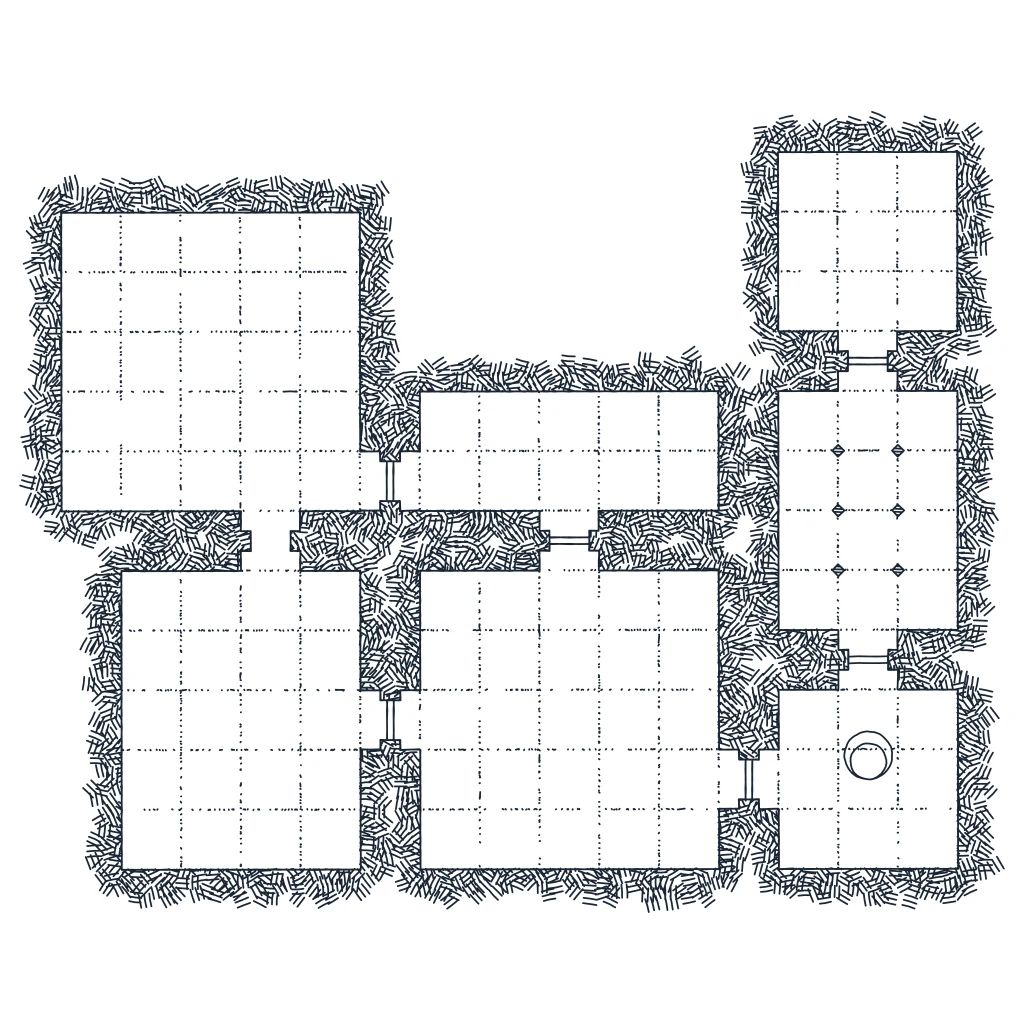
If your business runs on floorplans, you probably need to handle PDF floorplans at some point. Scanned paper plans, exports from an old system, drawings a client emailed over. A person can read them fine. Your software can’t. To do anything with those plans at scale, put them in a database, run a takeoff, feed a product, you first have to turn each picture into data. Until recently that meant someone redrawing plans by hand, hours at a time. AI has made that automatic, or close to it. The catch is that the demo always works, and the demo is not the job.
Years ago, when we were getting started, we worked with a company that sold exactly this. Upload a raster floorplan, get it back as clean data within 24 hours, fully automatic. The automatic part was a team of people on the far side of the world who redrew every plan by hand overnight, while the client slept. It was the old Mechanical Turk trick: a machine with a person hidden in the box. It worked. It also cost what a room full of skilled people costs, and it stopped the day they did.
That trick isn’t necessary anymore. AI can do the drawing now, and the quality has jumped in the last couple of years.
Why this has been a bottleneck for so long
Floorplans are easy for people and hard for computers. You look at a drawing and instantly see walls, rooms, a door here, a window there. To software, a scanned plan is just a grid of dots. Nothing in the file says “wall” or “kitchen.” All of that meaning has to be worked out from the image.
For years the only reliable way to get a plan into a system was to have someone trace it by hand in a drawing tool. On a pile of a few hundred plans, that’s weeks of skilled, boring work, and it’s the kind of task where people make small mistakes when they’re bored. The older automated tools existed, but they only behaved on clean, standardized drawings. Feed them a real scan and they choked.
So most companies just didn’t digitize the backlog. The plans sat in a folder, and the data that could have driven a product or a report stayed locked in pictures.
What actually changed
AI can now read a floorplan in a similar way a person does. Hand it a drawing and it finds the walls, works out the rooms, and reads the labels, even on a messy scan with furniture, text, and dimension markings all over it. This is the part that used to need that overnight team of people. The software does it now, in seconds, and it copes with the mess that real plans come in.
Here’s what that looks like in the tracer we built. One upload, and the plan comes back as walls and rooms you can work with.
Upload a plan, get walls and rooms back in a few seconds: 50 walls, 8 rooms, 19 windows, 9 doors, with the scale read off the drawing.
The Old Approach
For years the automated options worked one way. Older floorplan parsers were built on classic computer vision, Python and OpenCV pipelines hunting for straight lines and right angles, later paired with neural networks trained on a fixed library of labelled plans. Tools like CubiCasa are the well-known version: a model trained on thousands of annotated floorplans to pick out walls, rooms, and openings. On a plan that looks like the ones it trained on, it works well.
The catch is that this is the only kind of plan it reads reliably. It isn’t reading the drawing the way a person does, it’s matching patterns it has seen before, so a drawing style it never trained on is a drawing it can’t parse. Hand it a 15-year-old scan that’s slightly crooked, a photo of a drawing taped to a wall, an export where the furniture and the dimension lines are the same weight as the walls, or a plan with a big title block and a legend it has to know to ignore, and detection falls apart. The gap between “works on the demo plan” and “works on the 400 plans in your actual archive” is exactly that: your archive is full of plans no model ever trained on.
So those are the kind of files we ran ours on.
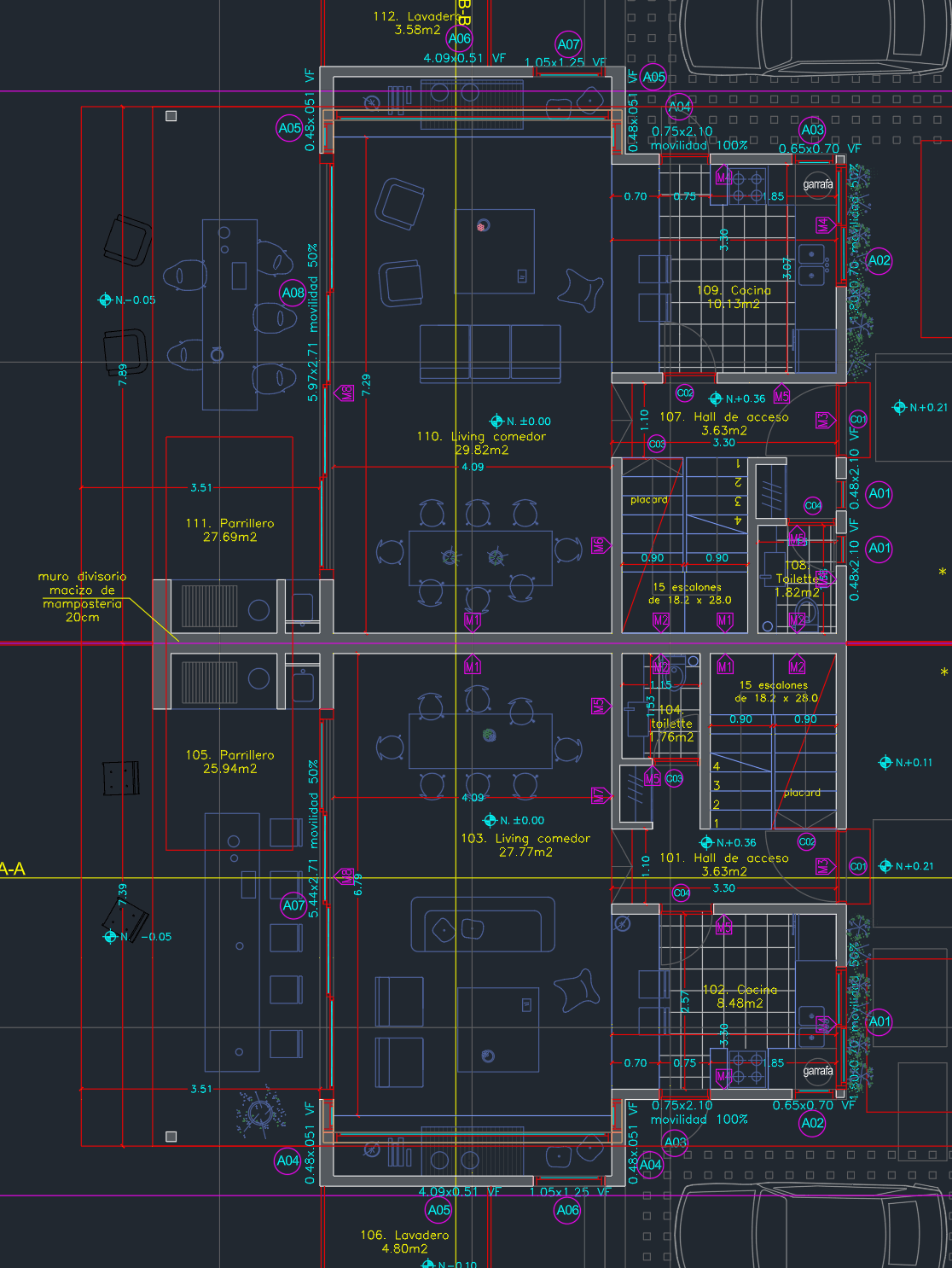 A crooked scan with furniture and a title block in the way. This is the test worth watching, not the clean plan.
This is the same pattern we see across AI features in general. They’re fast to stand up and slow to make trustworthy, and the difference is invisible in a five-minute demo.
Two questions to ask before you trust one
You don’t need to be technical to tell a real tool from a good demo. Ask these.
Does it hold up on your worst files, not your best one? Bring the ugliest, most crooked, lowest-quality plans you have to the evaluation. If it only shines on clean exports, it hasn’t solved your problem, it’s solved the easy 20 percent of it.
Is the output something your team can edit, or just a picture of shapes? This is the one people miss, and it’s the one that costs you later. A good tool gives you a real plan you can change: move a wall and the rooms next to it stay attached, put a door in and it belongs to the wall it’s in. A weak tool spits out a flat set of shapes that look right and fall apart the moment someone tries to correct them. Every edit turns into cleanup, and you’ve traded manual drawing for manual fixing. Ask to edit the output in front of them, then break it on purpose.
*Move a wall and the rooms stay attached. Drop a door in and it lives in the wall. Then the same plan, furnished in 3D.*What you’re actually getting
Even a good tracer isn’t magic. What it gives you is a strong first draft, a plan that’s maybe 90 percent right, that a person then checks and corrects. The value is real: your team starts from an almost-finished plan instead of a blank screen and a stack of PDFs. But anyone selling you “upload and it’s done, no review needed” is selling you the demo, not the tool.
Your data just became readable
Step back from the tool for a second. Something bigger happened here than a slick demo. Data that sat locked inside raster images, unreadable by any system you own, is now something your software can pull out and use. That flipped in the last couple of years, while the louder AI news got the attention.
And the cost of getting it out fell off a cliff. Redrawing one plan used to be a person’s afternoon, or a fee to an overnight team like the one we started with. Tracing that same plan today costs us around half a dollar. That number only moves one way. I’d bet a plan that runs 50 cents now is close to free within a decade.
It also stops being one company’s feature. Right now a handful of providers do this well. Soon it’s many, with open source options already coming up behind them. So building on it doesn’t put your pipeline at the mercy of one vendor’s price list, or one vendor still being around in 3 years.
So the move worth making is boring and real. Take the pieces of data that matter to your business, the ones that were trapped in those PDFs, and get them into your own single source of truth while the cost of doing it keeps falling. The fancy demo is fun to watch. The tangible thing underneath it is that this data is finally available to feed your systems.
Pulling that data out and wiring it into the systems you already run is most of what we do. If you’re sitting on floorplans, documents, or anything else your business has been processing by hand, we’re happy to talk. Reach us at hello@lagarsoft.com or through our contact page.