
huda · hub user & deployment administration
Onboard your whole team to Autodesk Forma. In one pass.
Bulk user management for Autodesk Construction Cloud, Forma, and BIM 360.
HUDA creates the members who are not in your Autodesk account yet, adds them to every project they need, and sets their folder permissions. One guided run, instead of clicking through the admin project by project.
HUDA is free. A lean, fast app that covers what most teams need, with nothing to pay and nothing to install on your machine.
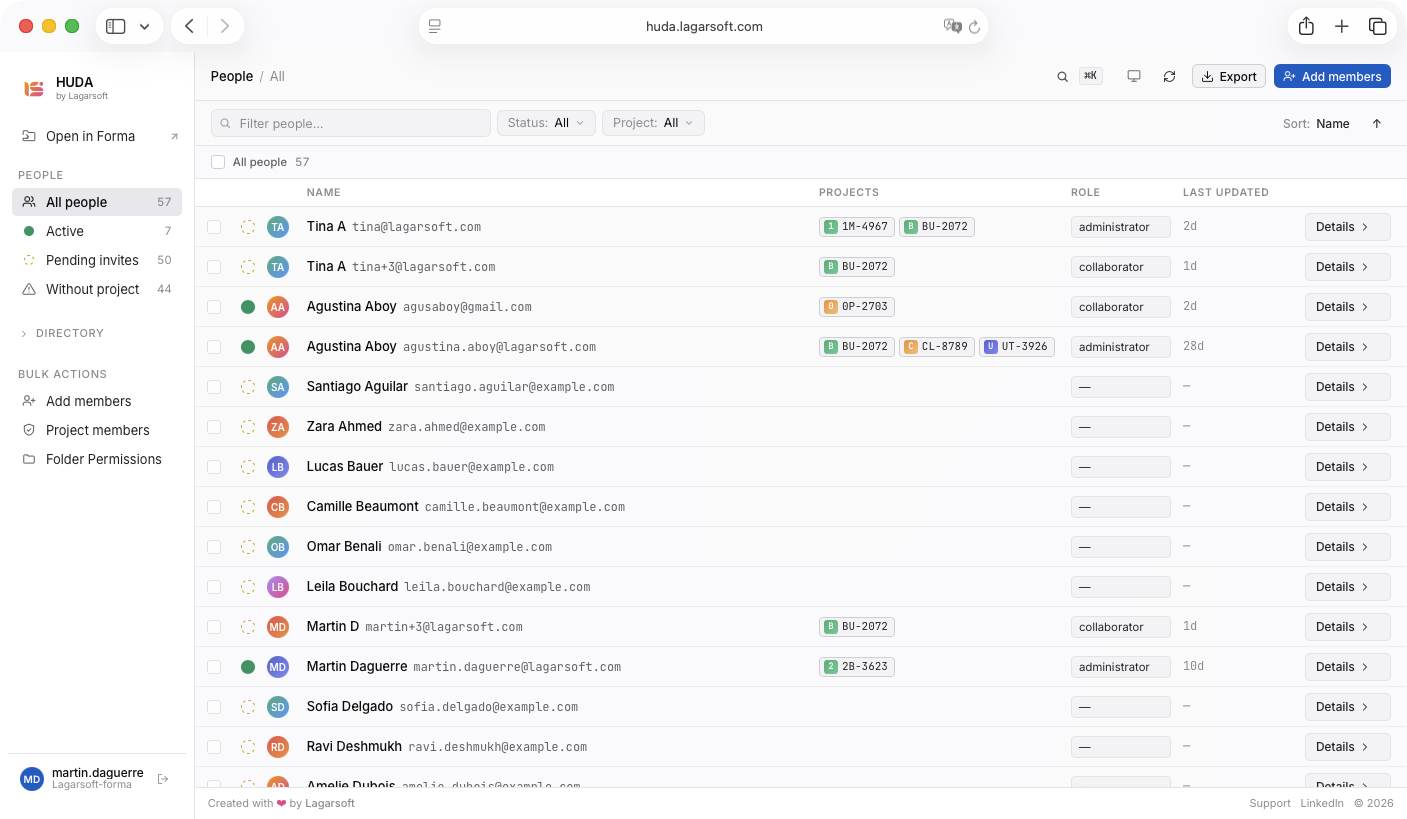
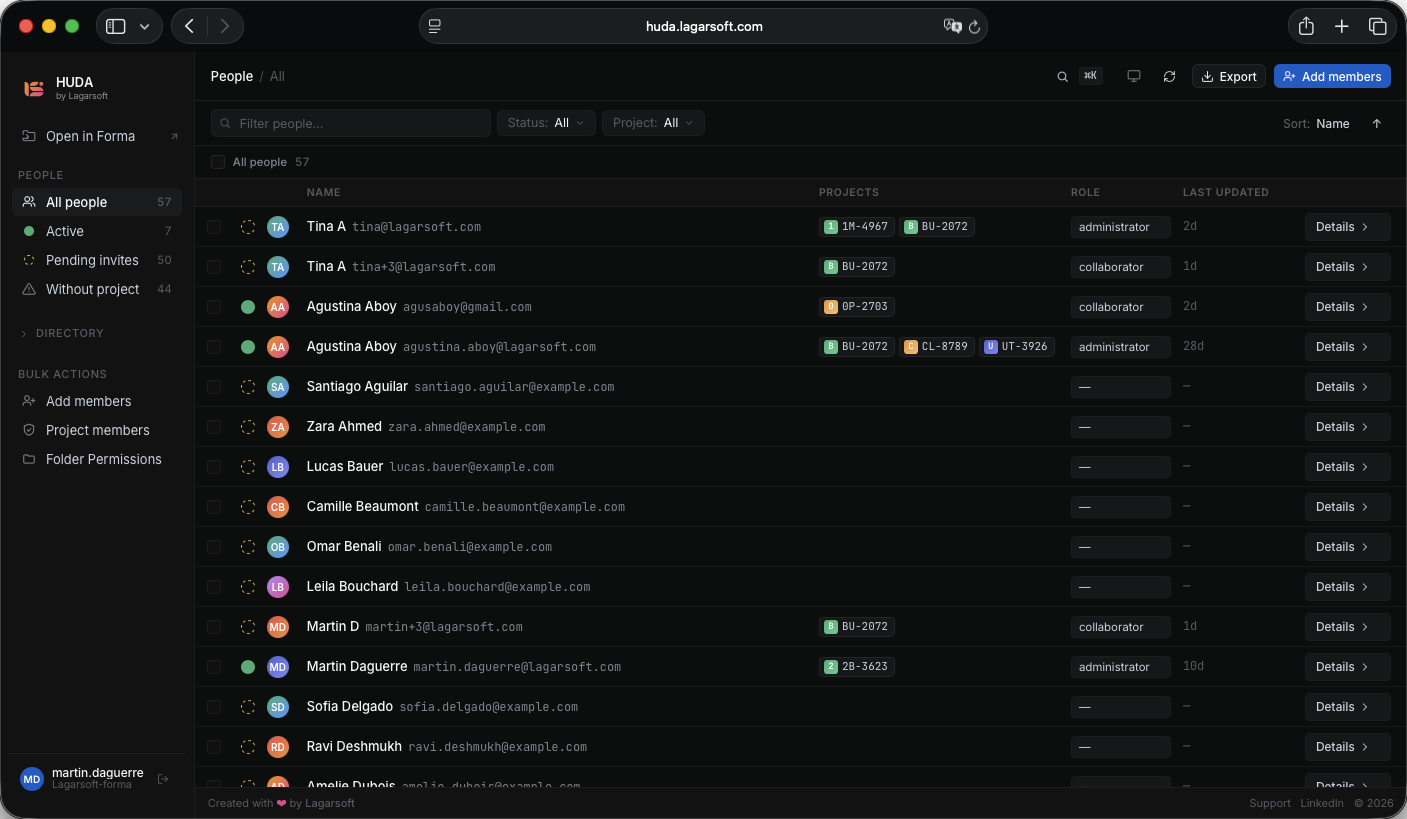
the problem
Adding members to Autodesk is a slog.
A new hire starts Monday and needs access to fifteen projects. You open the first one, add them, set their role and company, then open the second, then the third. An hour later you have done something that should have taken two minutes.
It is one of the most upvoted requests on Autodesk’s own community forum, open for years, and ACC still makes you manage users project by project, by hand, every time. And before you can assign anyone to a project, they have to exist in your Autodesk account. If they do not, you invite them in Account Admin, wait for the invite, then come back to assign projects. Two flows that were never built to work together.
HUDA collapses all of it into one guided run, with a dry-run preview before anything is written and a rollback file after.
what it does
Everything you need to manage members on Autodesk Forma.
Three workflows that used to mean clicking through the admin project by project, in one place.
accounts and invites
Create members who are not in your Forma Hub yet.
Before anyone can join a project, they need an Autodesk identity. Upload your list and HUDA spots the emails that do not have one, creates those accounts in your hub, sets each member’s access level, and sends the invites. Anyone who already exists is skipped, so you never make a duplicate.
No more bouncing to Account Admin to invite members, waiting for it to process, then coming back to do the real work.
project membership
Put members on the right projects, in bulk.
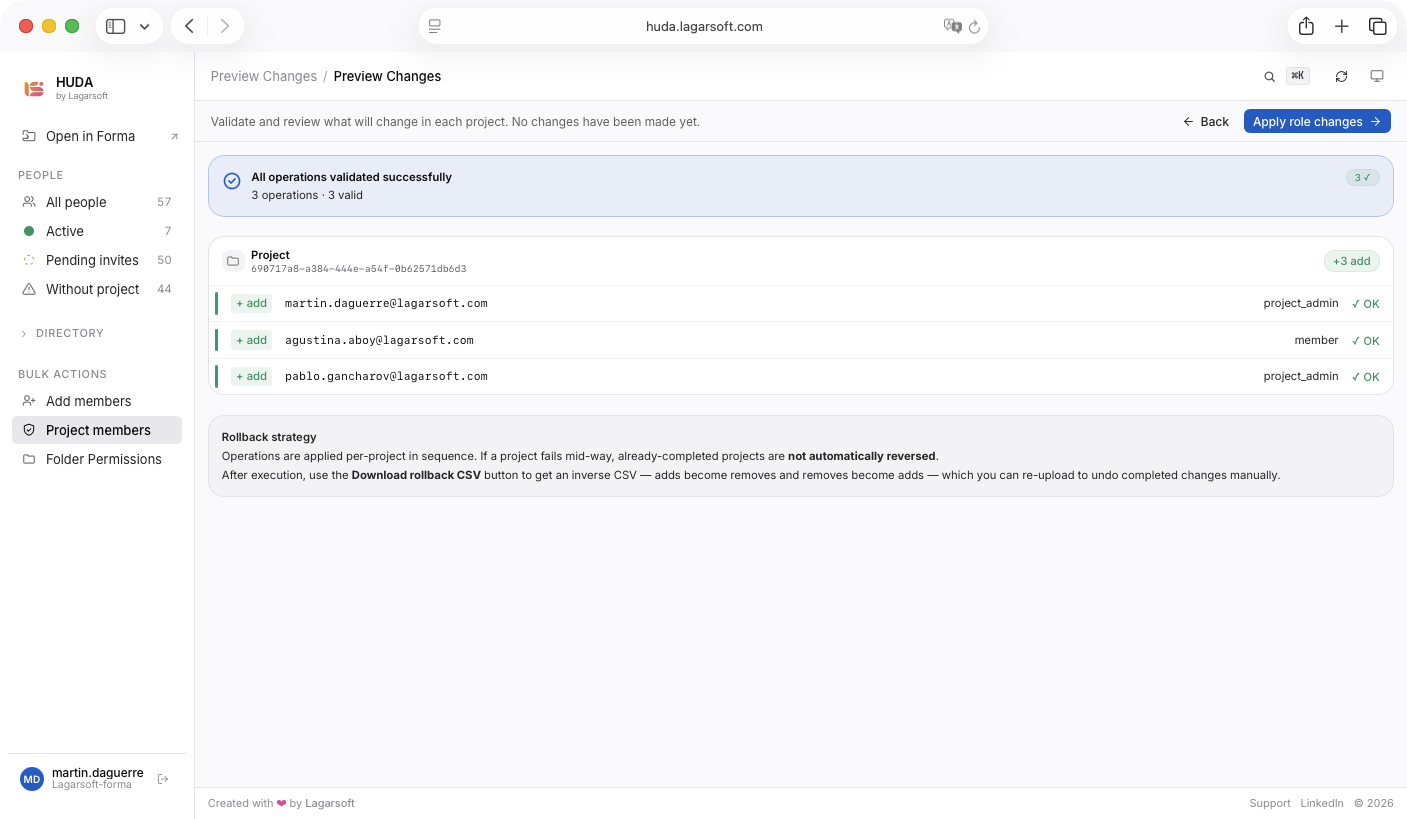
Once members exist in your hub, decide which projects they belong to. Add them to many projects at once, change a role, or take someone off, all in a single run. A dry-run preview shows the full diff first, so you see every change before it happens.
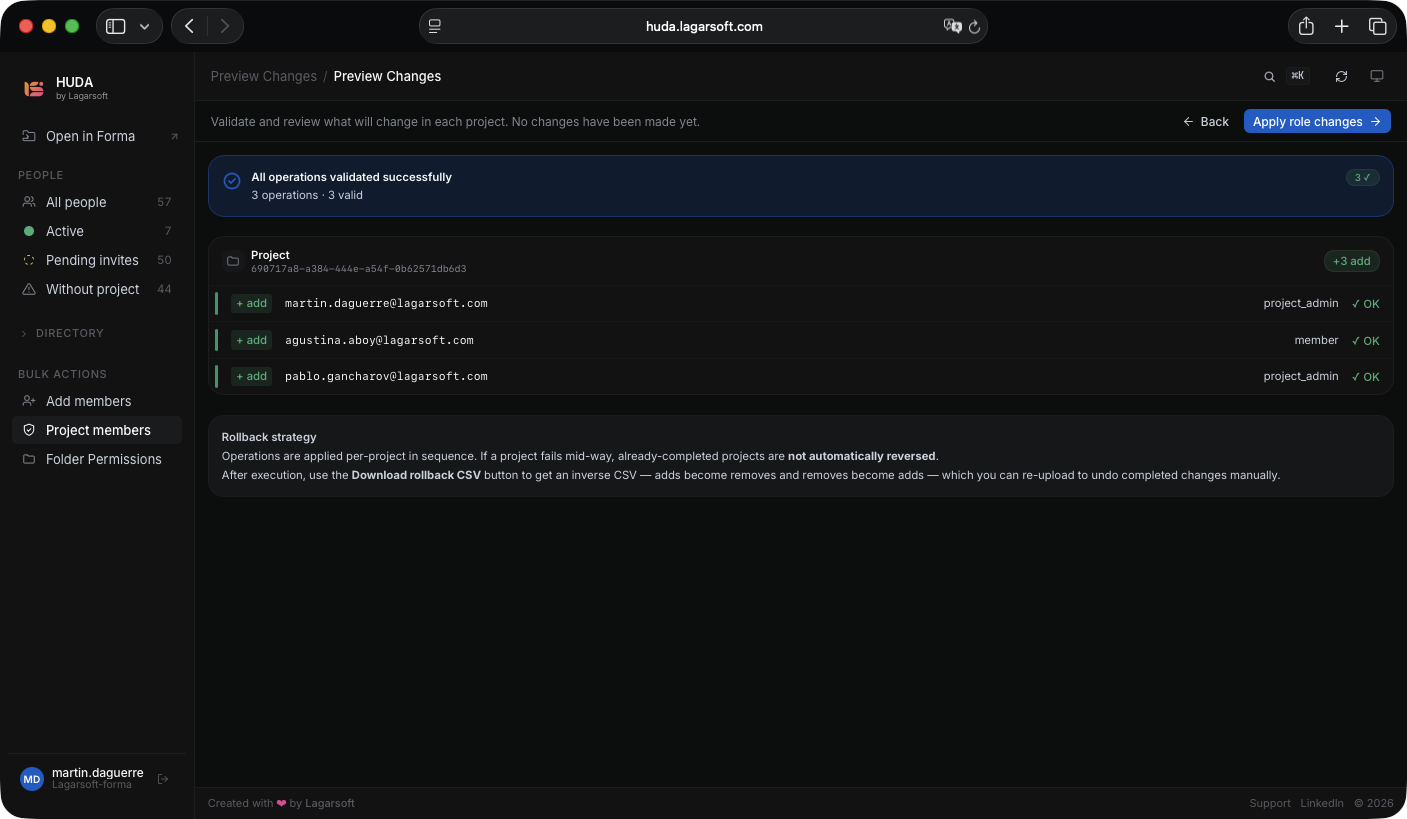
The operation queue runs each change with a success or error badge per row, retries the ones that fail, and hands you a rollback CSV to undo the whole run.
folder permissions
Set folder permissions in bulk.
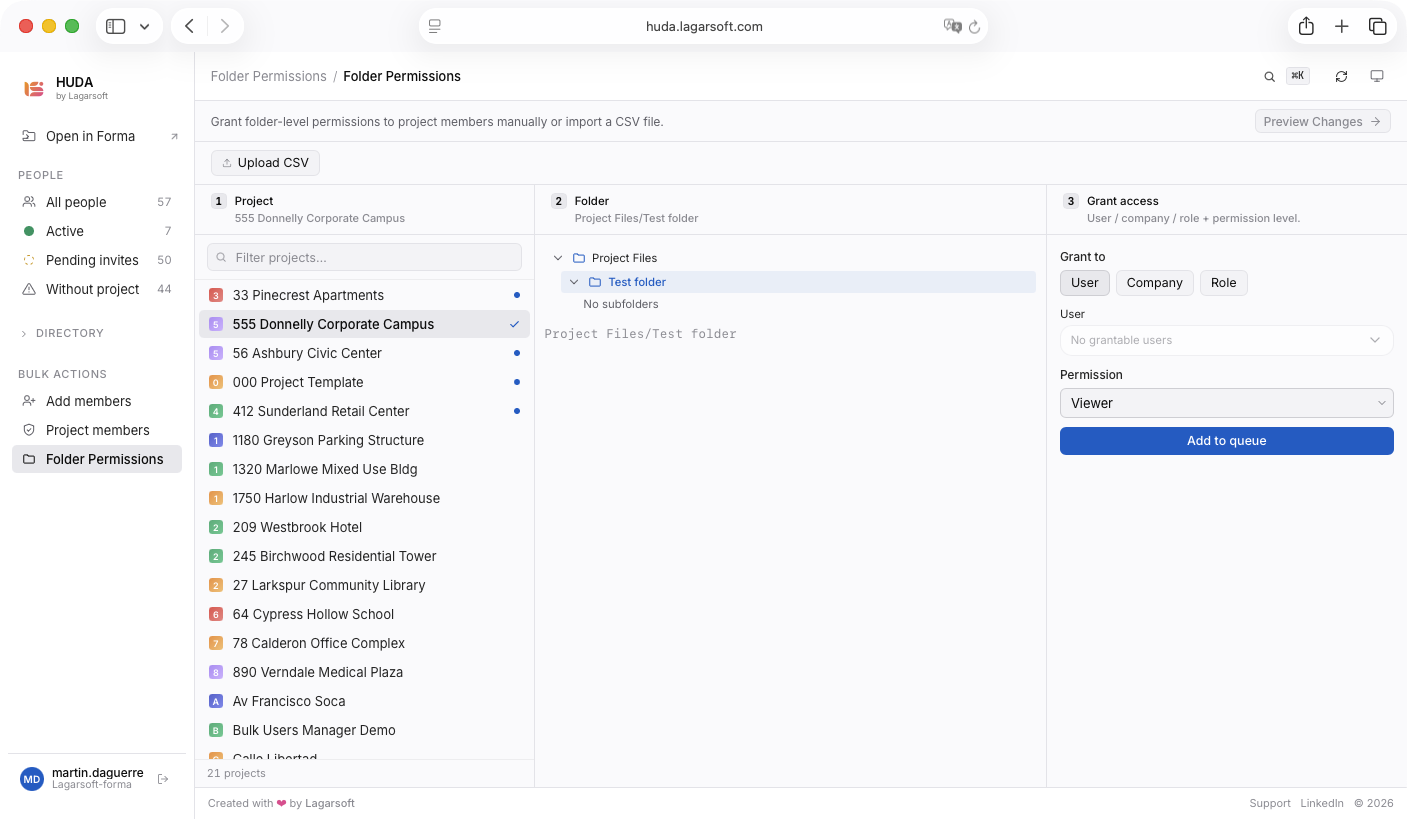
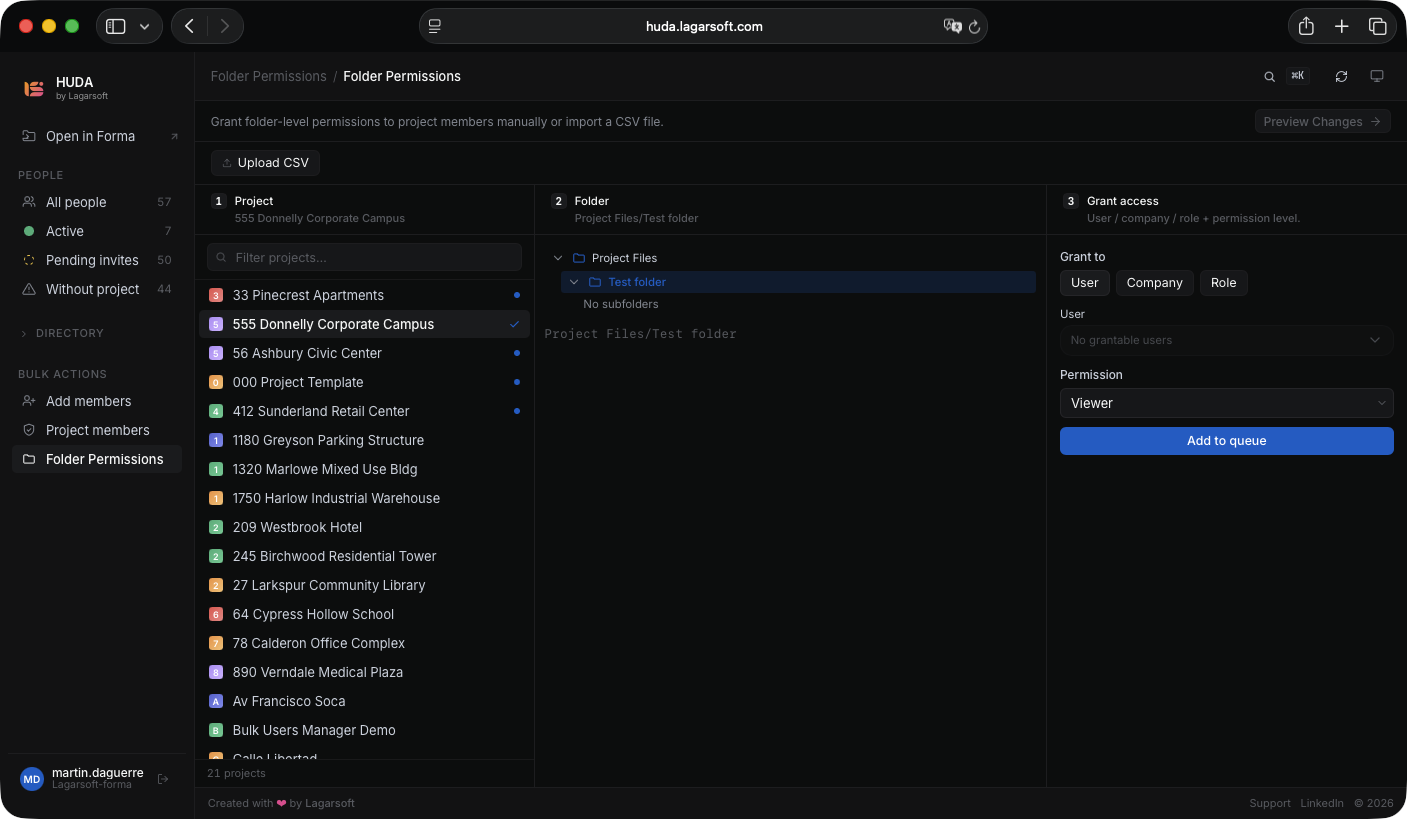
Grant folder-level access from a CSV or a visual folder-tree picker. You point at human-readable paths like Project Files/Design/Current and HUDA resolves them to the right folders for you.
Permission levels map straight to Autodesk’s own ACC Docs levels: viewer, downloader, uploader, editor, and manager.
built for the hub
Bulk, but careful.
01
Official APS, no workarounds
Built by Lagarsoft on official Autodesk Platform Services SDKs and APIs. We are a certified APS partner, so there are no reverse-engineered endpoints.
02
Preview, then roll back
Every run shows the full diff before it executes, and hands you a rollback CSV after. Nothing changes in your hub until you approve it.
03
ACC, Forma, and BIM 360
Works with any hub on the Autodesk Platform Services Data Management API. The hub selector shows only your relevant Autodesk hubs.
HUDA is built and maintained by Lagarsoft as part of our Autodesk Platform Services work.
free, and lean on purpose
Free, and built to stay light.
HUDA is free to use, and we keep it that way by keeping it focused. It does the few things most teams actually need, fast, without the weight of features you would never open.
If your workflow needs something HUDA does not cover, a version wired into your HR system, your ERP, or your own project naming, we would rather talk it through with you than bolt it onto the app for everyone. Get in touch and we will scope a custom build around what you actually need.
get huda on your hub
Install HUDA in your hub.
HUDA installs straight onto your Autodesk hub. Any hub admin can set it up, no IT ticket and no waiting on Autodesk support.
option 1
Install from the Autodesk Marketplace
The simplest path. Find HUDA on the Autodesk App Store and add it to your hub in one click. Autodesk handles the connection for you.
View on the Autodesk Marketplaceoption 2
Add HUDA from your Hub Admin
Enable HUDA yourself from the Autodesk hub admin panel. Three steps:
In Autodesk Forma, open Hub Admin from the switcher at the top left.
In the left sidebar, select Apps.
Find HUDA in the list and select it to add it to your hub.
Once HUDA is added, open huda.lagarsoft.com and sign in with your Autodesk account.
faq
Common questions.
Is HUDA free?
Yes. HUDA is free to use. It is a lean, focused app that covers what most teams need for bulk user management, with nothing to pay and nothing to install on your machine. If you need a custom version wired into your own systems, that is a separate build we scope with you directly, so get in touch.
Does Autodesk Forma support CSV user import natively?
Only partially. The native Forma interface has a legacy option that accepts pasted email addresses for a single project, but it does not support a structured CSV with roles, companies, and add, update, or remove actions across multiple projects. That gap is exactly what HUDA fills.
How do I add multiple users to Autodesk Construction Cloud at once?
Upload a single CSV that lists each user’s email, role, and target project, or build the same list in HUDA’s manual table. HUDA makes all the API calls in one run instead of you repeating a paste-and-assign step for every project.
Can I add one user to multiple ACC projects at the same time?
Yes. List the member once per project in the CSV or table, and HUDA processes the assignments together. A dry-run preview shows the full scope before anything executes.
How do I remove users from an ACC project in bulk?
Pick the members to offboard and HUDA removes them across every ACC project in one run. A dry-run preview shows the full diff before anything executes, and a rollback CSV lets you undo the whole removal if you need to.
Does HUDA work with BIM 360, or only ACC and Forma?
Both. HUDA works with any hub reachable through the Autodesk Platform Services Data Management API, which covers Autodesk Construction Cloud, Forma, and BIM 360. The hub selector filters to your relevant hubs so you do not connect to the wrong one.
What is Custom Integration activation, and do I need it?
It is a one-time setting an account admin enables in the Forma admin panel that authorizes APS-based apps to call the Admin API on your behalf. It is required: without it the admin endpoints return a 401. HUDA’s setup guide walks you through enabling it.
Can HUDA bulk-add users via the Autodesk Platform Services API?
Yes. HUDA runs every bulk operation through the official Autodesk Platform Services (APS) SDKs and APIs. Lagarsoft is a certified APS partner, so there are no reverse-engineered endpoints or unsupported workarounds.
Is HUDA a Lagarsoft product or an Autodesk product?
HUDA is a Lagarsoft product. Lagarsoft is a certified Autodesk Platform Services partner, and HUDA uses only official APS SDKs and APIs, with no reverse-engineered endpoints or unsupported workarounds.
Can we use HUDA as a base for our own internal tooling?
Yes. If you need a version wired into your HR system, your ERP, or your own project naming, that is a custom build Lagarsoft can take on. The codebase is clean TypeScript on Next.js App Router and designed to extend. Book a call to talk it through.
What does HUDA stand for?
Hub User and Deployment Administration. It is a Lagarsoft product for getting teams onto Autodesk and keeping their access in order.
See it on your hub.
Open HUDA and run it against your own Autodesk Construction Cloud, Forma, and BIM 360 projects. Or book a call and we will walk you through it.